


From Overwhelm to Creative Freedom: Why FlexClip is the \"Magic Wand\" I Didn’t Know I Needed (The Ultimate 2026 Review)
This post may contain affiliate links. If you click and make a purchase, I may earn a small commission at no extra cost to you. Thank you for supporting Firefly so I can keep creating free travel content ✨
We all have that dream, don’t we? That vision of creating content that truly shines—without the stress, without the technical headaches, and without the panic of losing our work. You know the feeling: you are sitting with your coffee ☕, ready to create, but instead of flowing, you are fighting with your computer.
For the longest time, my creative journey was a mix of different tools. I started with Canva, which was (and still is!) my first love for graphics. Then, like many of you, I jumped onto the CapCut train because it was trendy and accessible on mobile.
And don’t get me wrong—those tools are fantastic. CapCut is great for quick edits on the fly. But as I dove deeper into creating videos for my brand, ads for my products, and building my online presence, I started feeling… limited. I felt tethered to my device. I missed the feeling of safety.
I needed freedom. I needed safety in the cloud. And I needed the power of AI to give me my time back.
Enter FlexClip. 🌟
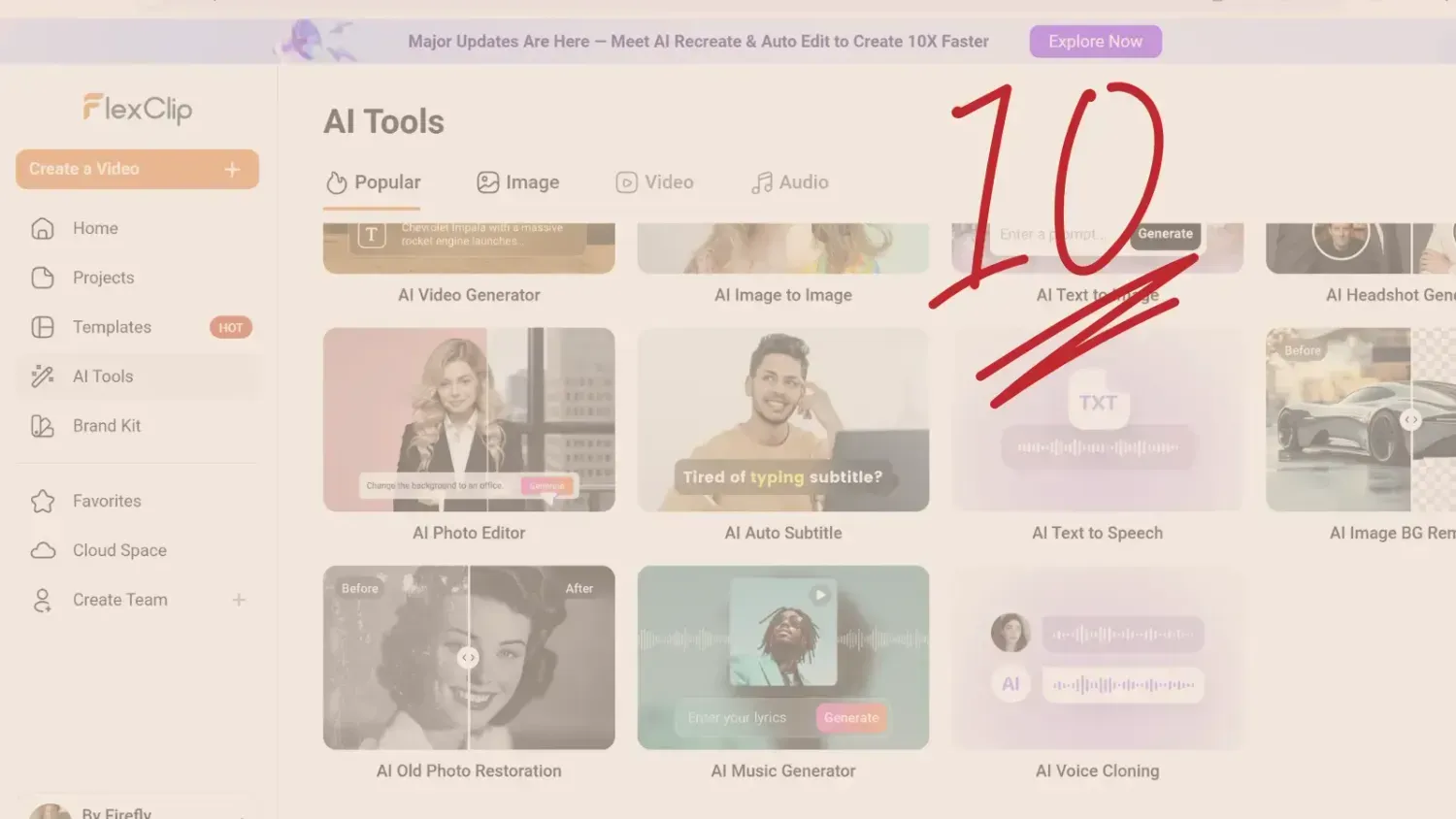
After two weeks of deep-diving into this platform, I can honestly say: It’s a 10/10. It hasn’t just replaced my old workflow; it has elevated it. It feels lighter, smarter, and infinitely more magical.
If you are a blogger, a solopreneur, or just someone who wants to share their light with the world through video, settle in. This is my honest, deep-dive review of why I made the switch—and a peek into a brand new project I am building with it!
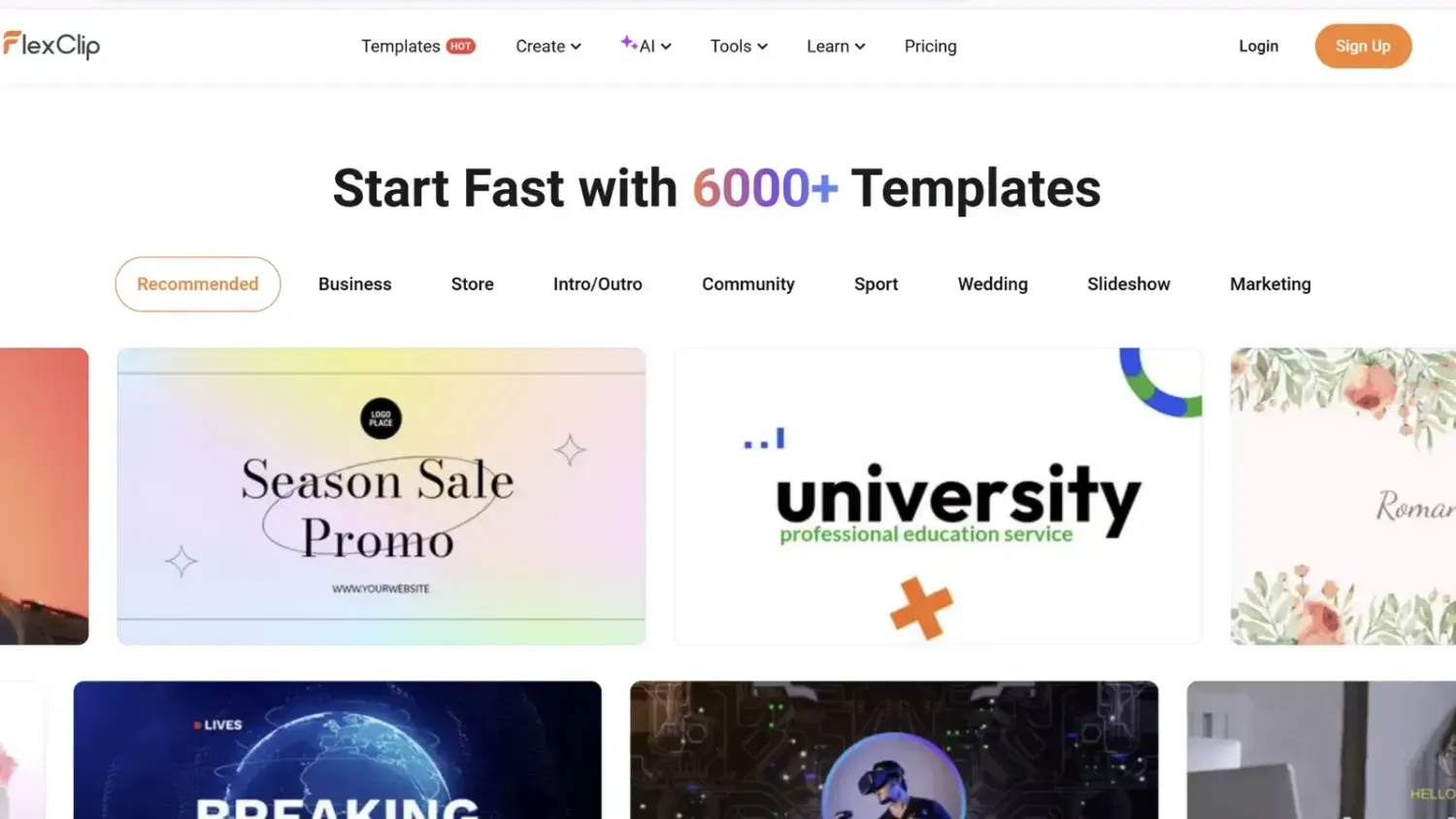
1. The Cloud: Why "Media Lost" is a Thing of the Past ☁️
Let’s talk about peace of mind.
One of the biggest struggles I had with desktop-based editors (yes, even the popular ones) was the file management nightmare. You know the feeling: you move one video clip to a different folder on your computer, you open your project, and suddenly you see that dreaded red screen: Media Lost.
😱
It stops your heart for a second.
With FlexClip, that fear simply vanishes. Because it is fully cloud-based, your projects live securely online. You can start editing on your PC, move to your laptop in a café, and everything is exactly where you left it.
It feels like true freedom. The software doesn’t weigh down your computer, and you don’t have to worry about messy hard drives. It just flows.
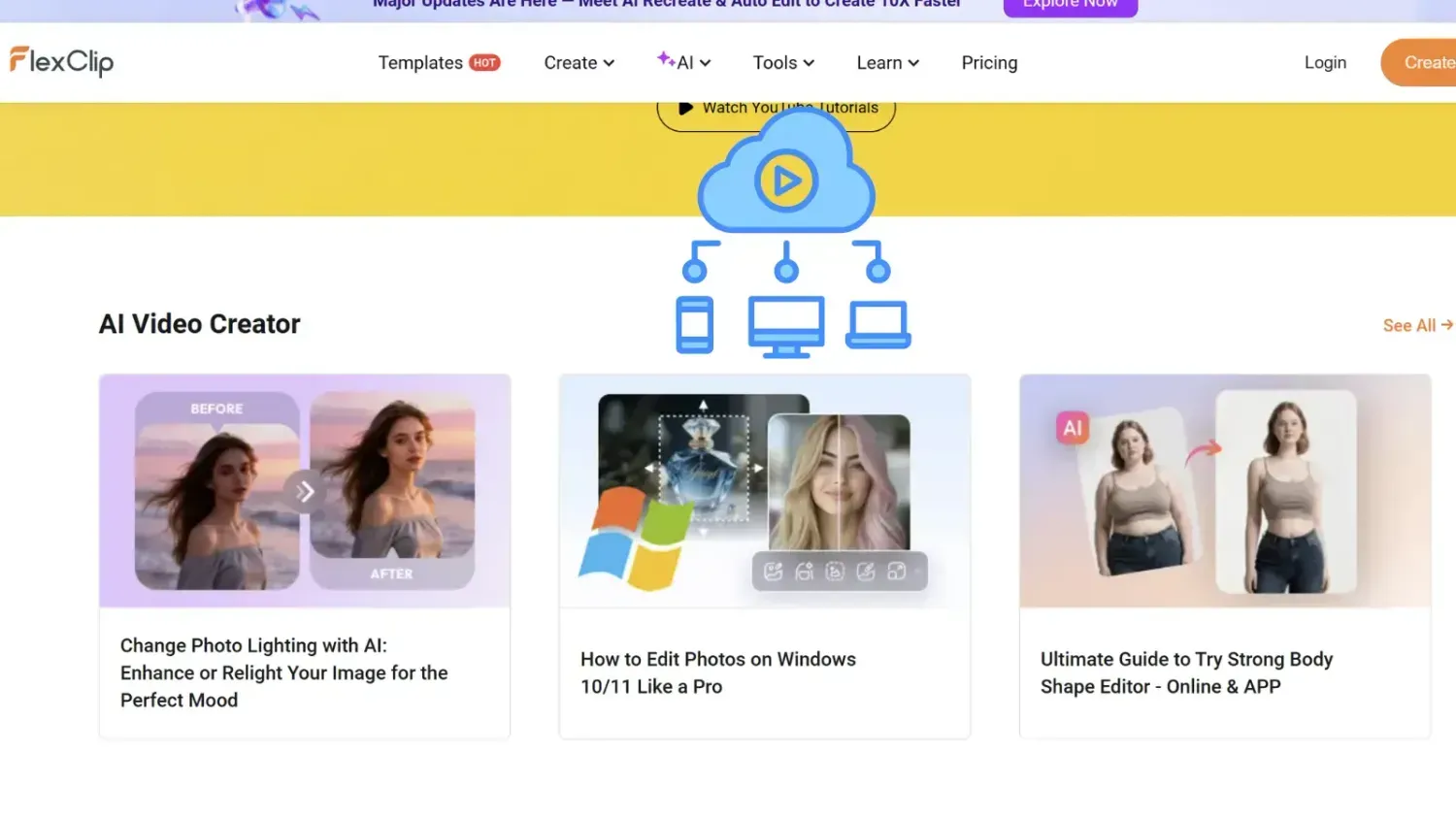
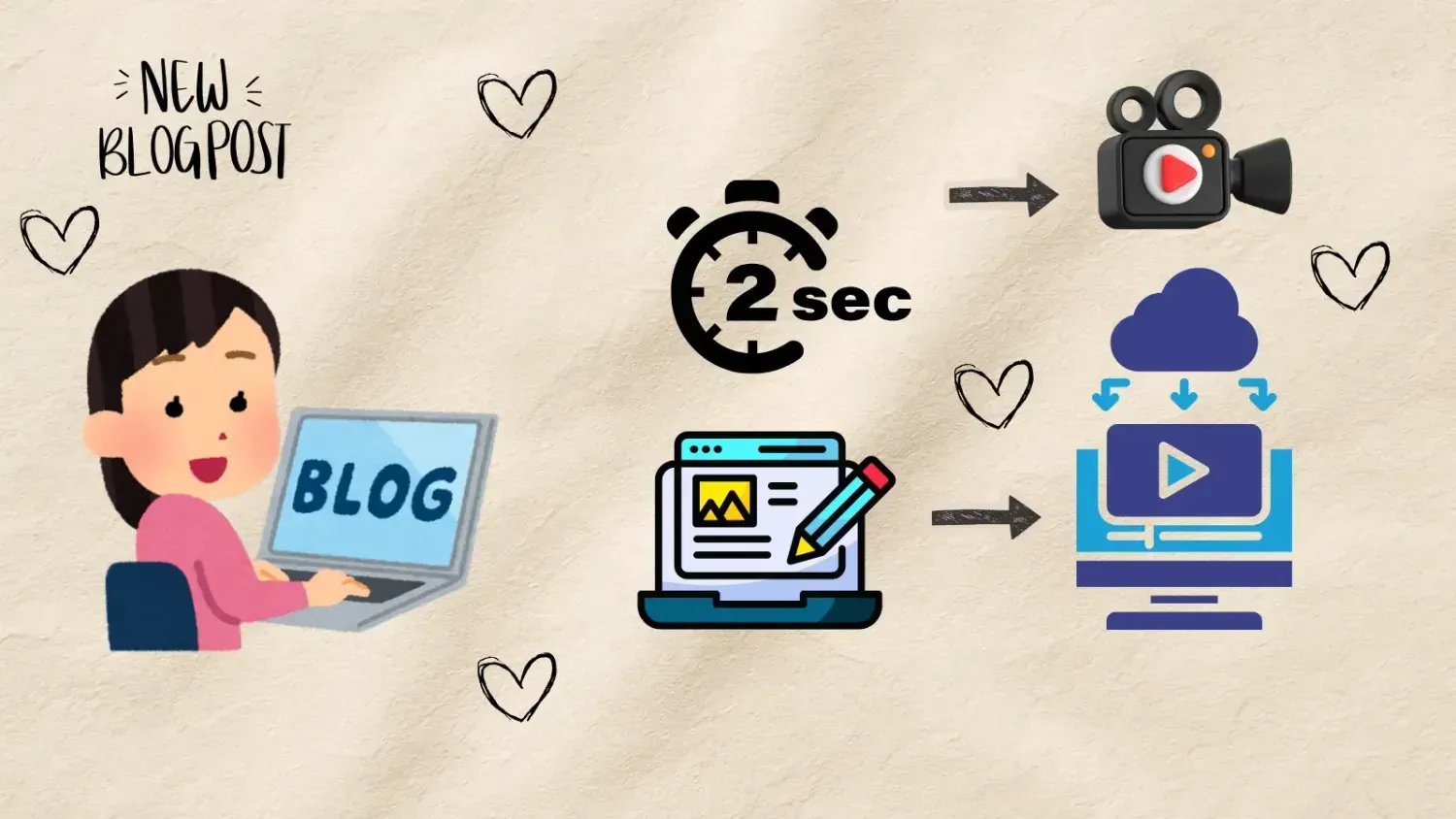
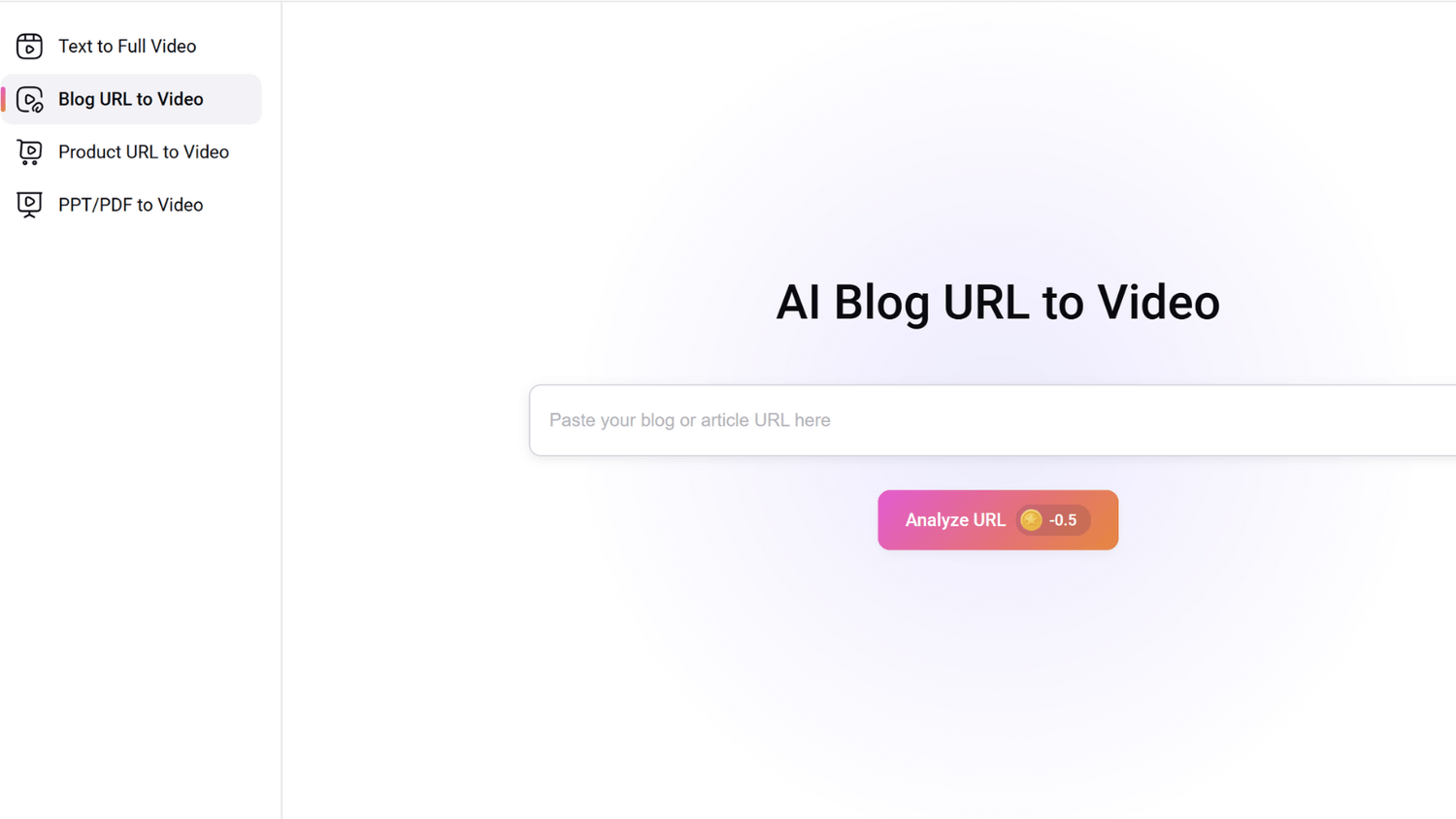
2. From Blog Post to Video in Seconds (My Favorite Feature!) 📝➡️🎬
As a blogger, this feature feels like actual magic. We pour our hearts into writing articles, but we know that video is king on social media.
FlexClip bridges this gap effortlessly with its AI Blog-to-Video feature.
Here is how it works:
I copy the URL (link) of my blog post.
I paste it into FlexClip.
The AI analyzes my text, summarizes the key points, and builds a video script.
It then matches those points with relevant stock footage and creates a video.
Just like that.
What used to take me hours of scripting and searching for clips now takes seconds. It’s not just a time-saver; it’s a life-saver for any creator who wants to repurpose content without burning out.
And I can easily edit it too, of course.
See the example HERE.
3. It’s Not Just Editing; It’s "Text-Based" Editing ✂️
If you have ever used tools like Descript, you know how powerful it is to edit a video by reading the transcript. Well, FlexClip has this built right in!
Instead of squinting at a complex timeline and trying to cut out a split-second silence, you simply look at the AI-generated text.
Want to remove a sentence? Delete the text.
The video automatically cuts that part out.
It is so intuitive. It makes editing feel as easy as writing an email. For anyone who feels intimidated by complex video timelines, this is the feature that will make you fall in love with video creation.
4. Unleashing Creativity: Cakes, Balloons, and AI Magic 🎂🎈
Okay, let’s talk about the fun stuff! Creativity should be playful, and FlexClip brings that spark of joy back into the process.
The generative AI tools inside this platform are mind-blowing.
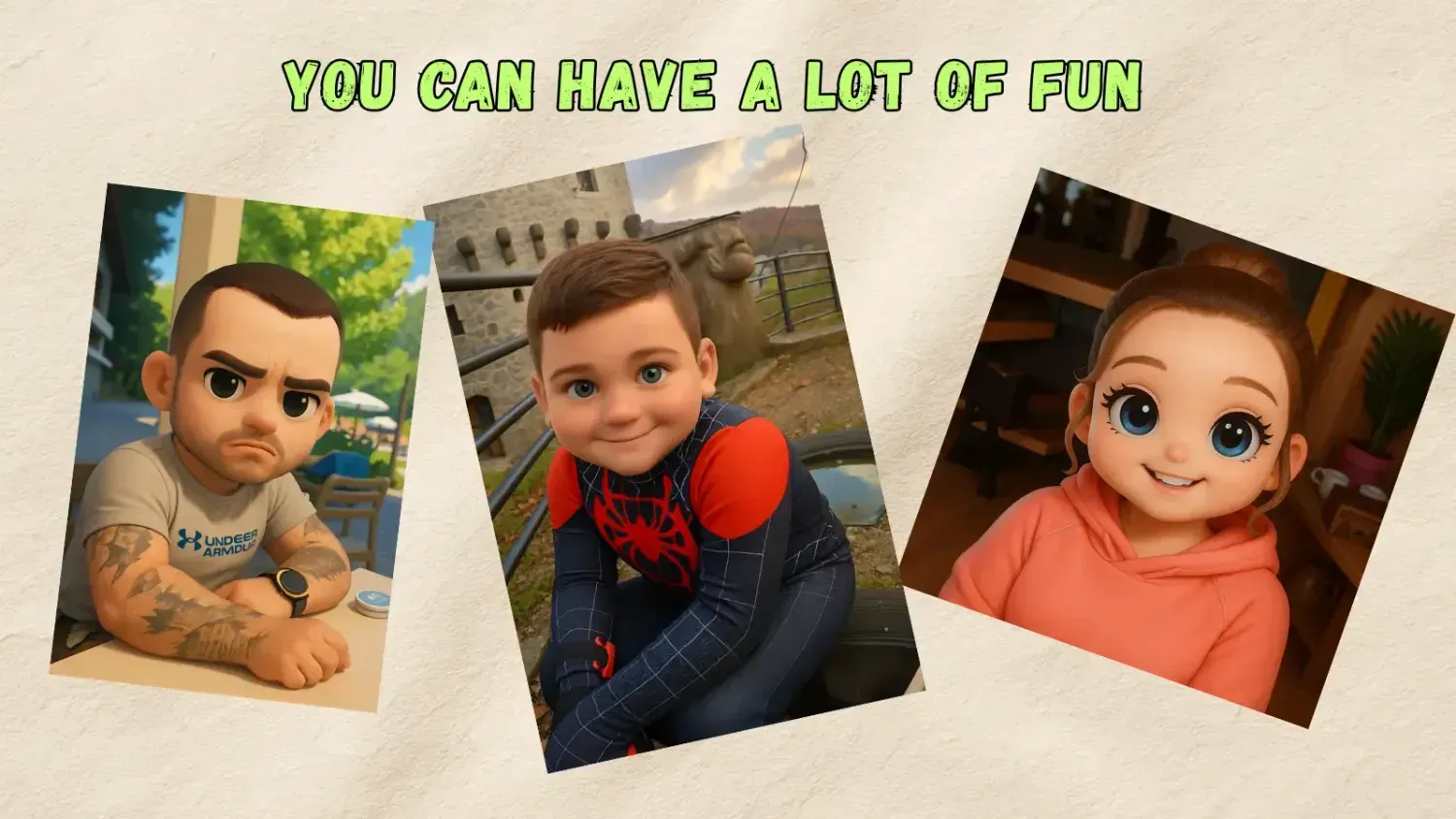
Image-to-Image: You can upload a photo and tell the AI to transform the style. Want to turn your product photo into a sketch? Or make a person look like a 3D cartoon? Or—my personal favorite—transform objects into balloons or cakes? It’s incredibly fun and opens up so many possibilities for unique, scroll-stopping ads.
Face Swap & Hairstyle Changer: Want to experiment with a new look for a thumbnail? Or create a funny meme video? The AI handles it seamlessly.
Old Photo Restoration: I even used the "Upscaler" and restoration tools to bring old, blurry photos back to life. It’s like dusting off a memory and making it shine again.
This is us...Do you like the AI image of us?
5. A Complete Audio Studio (No More Subscriptions!) 🎶
Sound is the heartbeat of video. Usually, creators have to pay for a separate music subscription (like Suno AI or Epidemic Sound) to get good tracks.
FlexClip says: "I got you."
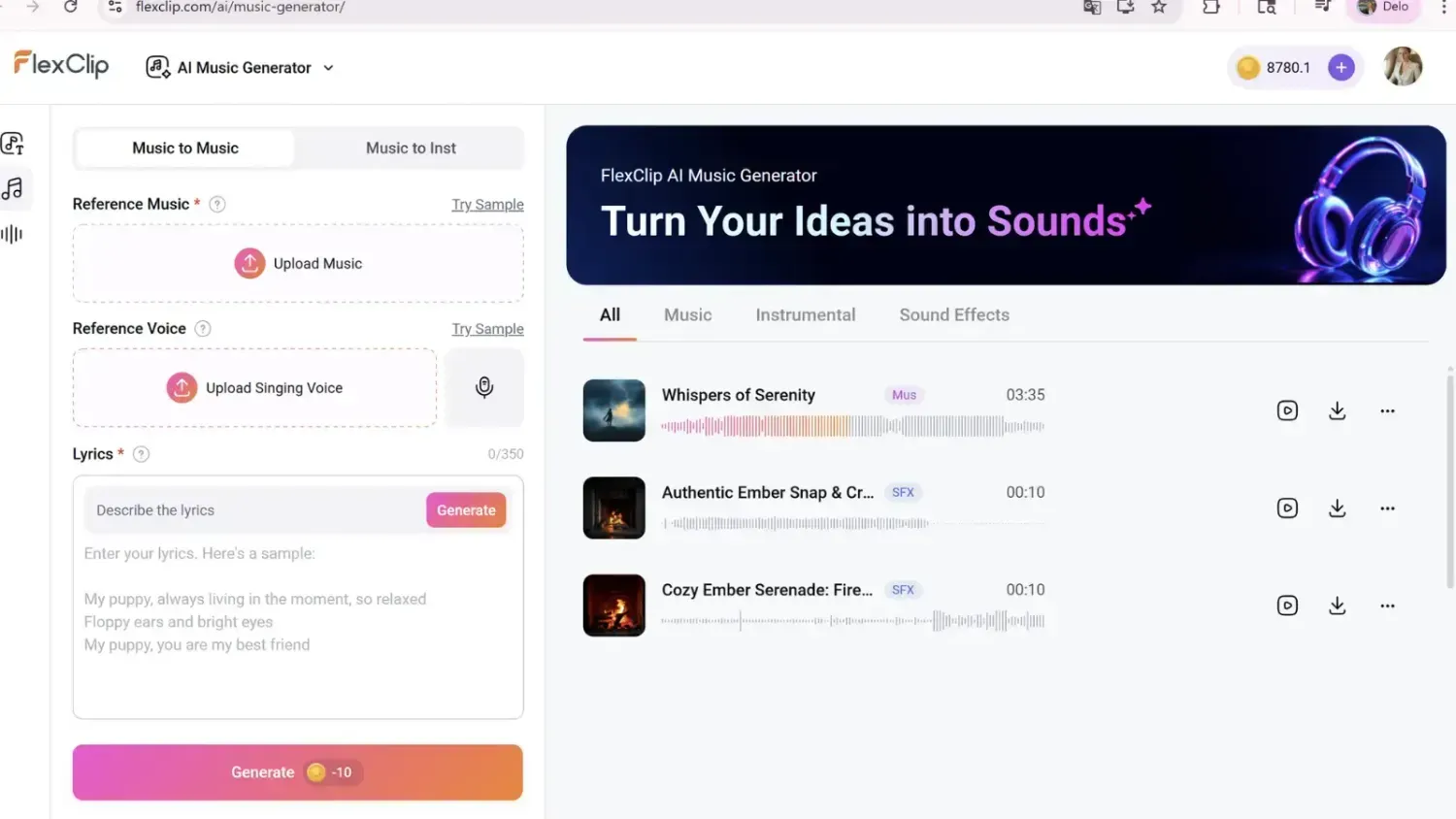
AI Music Generator: You describe the mood—"uplifting, cinematic, morning light"—and it composes unique, copyright-free music for you.
Voice Cloning & Text-to-Speech: If you are feeling shy about recording your voice, or if you just want to produce content quickly, the AI voiceovers are shockingly realistic. You can even clone your own voice to read scripts for you!
Audio Translator: Reach a global audience by translating your audio into different languages with a click.
6. The "Megalodon" of Templates 🦈
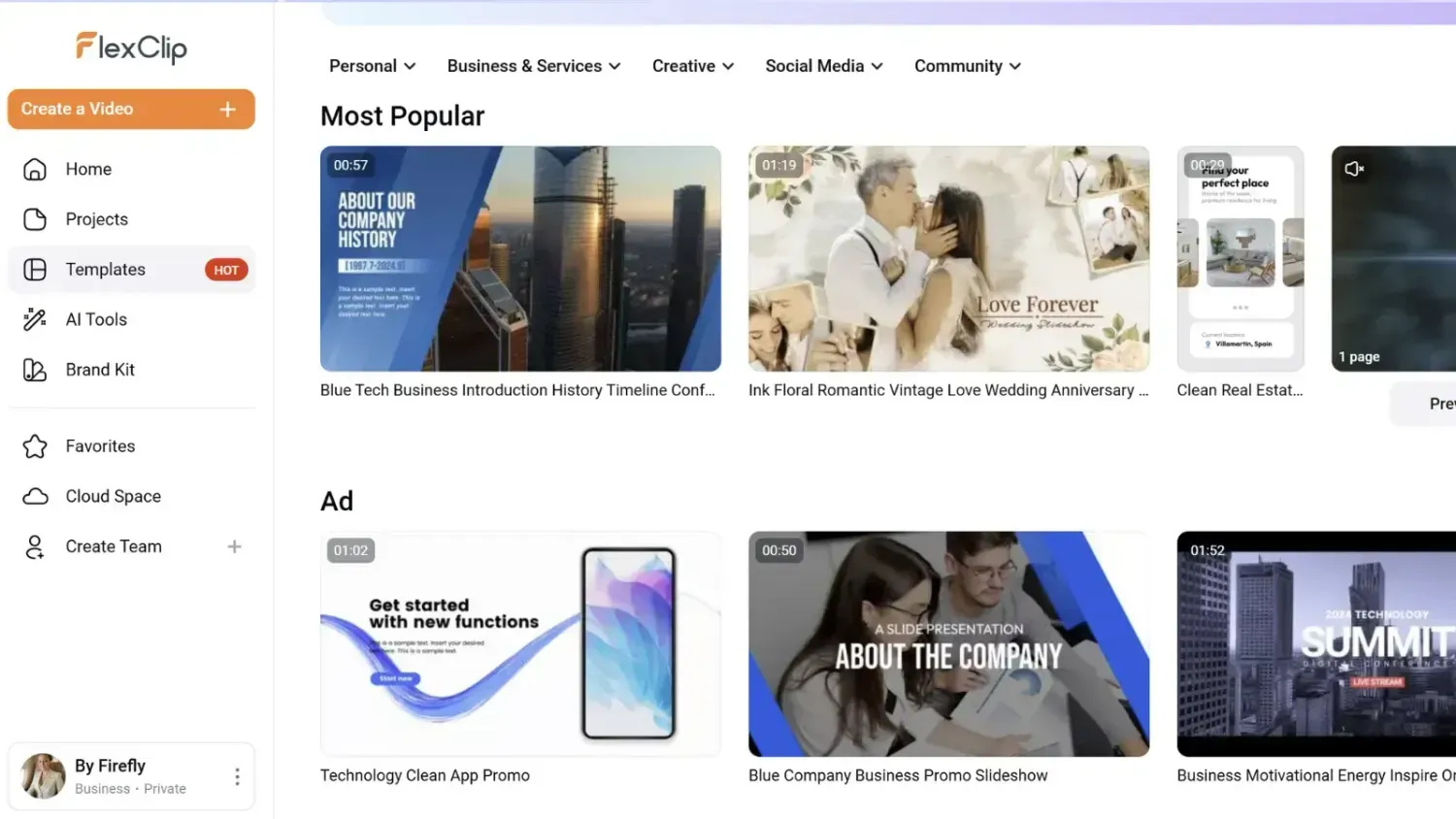
Sometimes, staring at a blank canvas is overwhelming. FlexClip solves this with a massive library of templates that covers everything.
And I mean everything. From high-energy social media reels and business promos, to deeply personal memorial videos and obituaries, to huge "Mega Logo" reveals.
Whether you are launching a product or sharing a heartfelt life update, there is a template that sets the right tone. Plus, with the Brand Kit, your logos, fonts, and colors are always just one click away, keeping everything looking professional and cohesive.
7. Why I’m giving it a 10/10 🌟
In a world that is constantly demanding more of our attention, tools should be there to help us, not complicate our lives.
FlexClip feels like a friend. It’s smooth (no lagging!), it’s packed with resources (unlimited stock video and photos!), and it uses AI to handle the boring stuff so we can focus on the spark.
It hasn’t made me hate my old tools, but it has shown me that there is a better, lighter way to create. It feels like stepping out of a crowded room into a wide-open field.
Is it perfect? Nothing is. But for a desktop-based, cloud-powered, AI-driven editor? It’s as close as it gets.
If you are looking to simplify your workflow, protect your precious files, and add a little bit of AI magic to your videos, I invite you to give it a try.
Create your freedom. ✨
8. Don’t Just Take My Word For It (The Numbers Don't Lie) 📈
I know what you might be thinking. "Alenka, this sounds too good to be true."
Skepticism is healthy! But it’s not just me who is raving about this. If you look at the data, FlexClip is standing tall where other AI tools are stumbling.
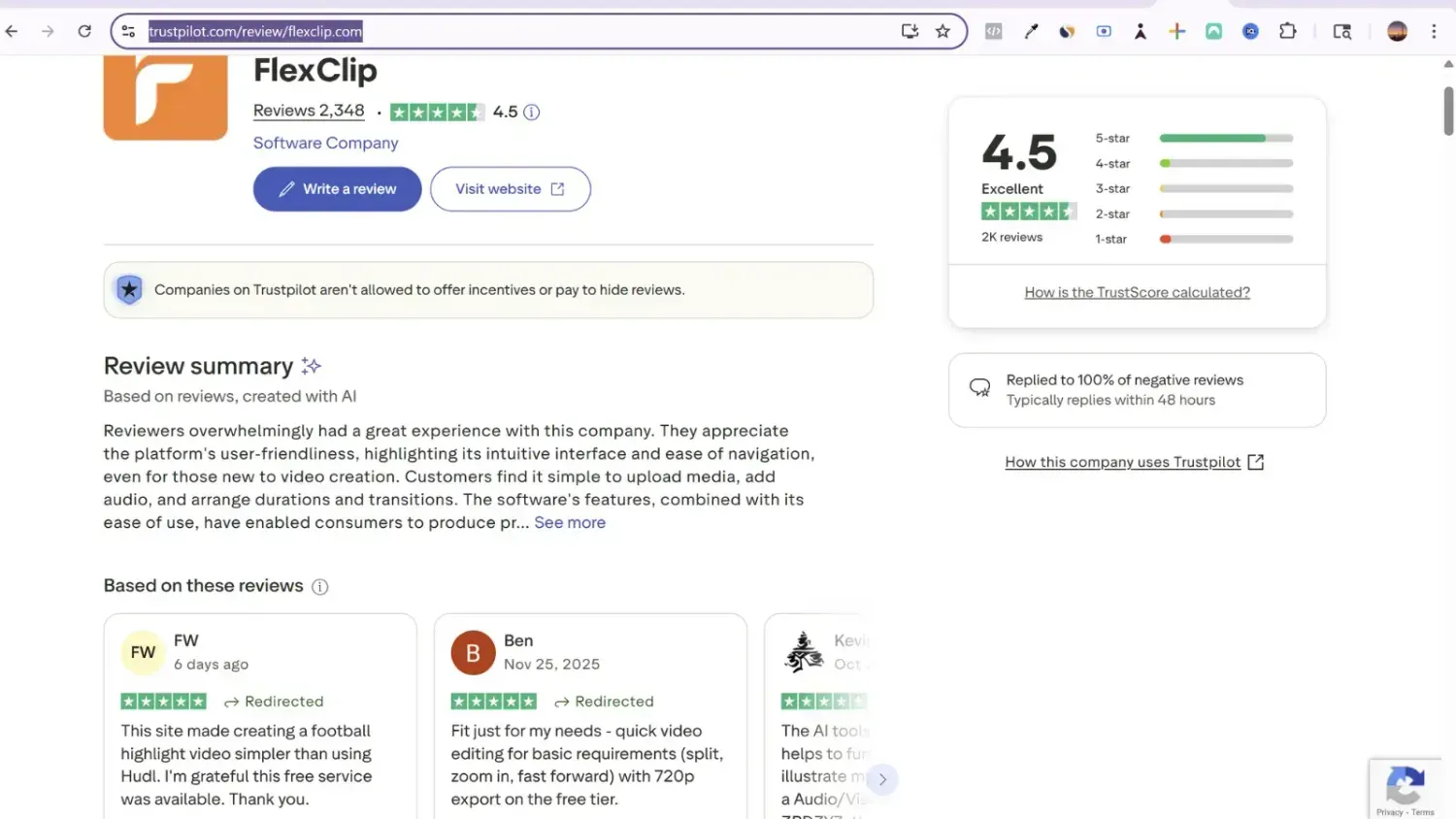
Just check their Trustpilot score. They currently hold a rock-solid "Excellent" 4.5-star rating based on over 2,300 verified reviews.
In the wild world of AI software—where new tools pop up every day and often fail to deliver—that kind of consistency is rare. Reading through the comments, you see the same pattern: people love the ease of use, the intuitive features, and the fact that it actually works as promised.
They even reply to 100% of negative reviews, which proves they are a company that listens and cares. That is a huge green flag for me. 🟢
9. The Complete Magic Toolkit: What’s Inside FlexClip? 🧰✨
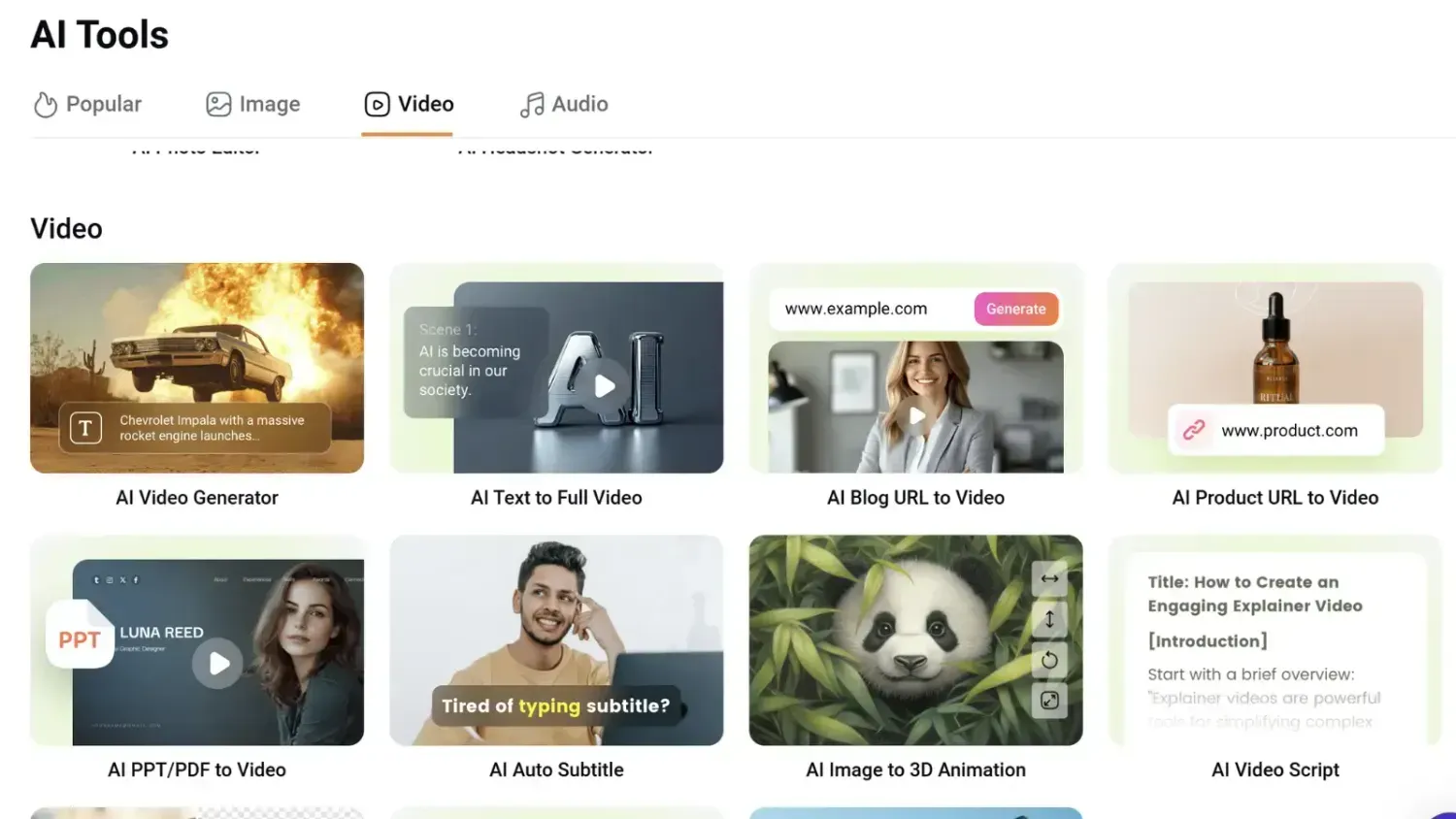
Curious about what else this powerhouse can do? Here is a quick breakdown of the AI tools that have replaced half of my software subscriptions.
🎬 For Video Creators
AI Blog to Video: My favorite! Paste a URL and get a video instantly.
AI Auto Subtitle: Automatically generates captions for your videos (a must for social media!).
AI Text-Based Editing: Edit your video simply by deleting words from the transcript.
AI Video Script: Writer's block? Let the AI write your video script for you.
AI Video Background Remover: Remove video backgrounds without a green screen.
🎶 For Audio & Sound
AI Music Generator: Create unique, royalty-free background music to match any mood.
AI Voice Cloning: Train the AI to speak in your voice for quick voiceovers.
AI Noise Reducer: One click to remove background noise and make your audio crystal clear.
AI Translator: Translate your video's audio into other languages to reach a global audience.
🖼️ For Images & Fun
AI Text to Image: Describe a scene, and the AI will paint it for you.
AI Object Remover: Did someone photobomb your perfect shot? Erase them instantly.
AI Old Photo Restoration: Bring blurry, vintage family photos back to life.
AI Face Swap & Headshots: Fun tools to change looks or create professional AI avatars.
10. Who is FlexClip For? (Anyone Who Wants to Shine Online) 🌟
Let’s keep this simple. In today's world, video is your new business card.
It doesn’t matter what you do. If you want to be taken seriously online and build a professional presence, you need video content that looks polished—not amateur.
FlexClip is the perfect partner for:
🌍 Digital Nomads & Travelers: You live life on the go. You need a tool that works on a laptop in a café, at an airport, or on a beach. No heavy software, just cloud-based freedom.
✍️ Bloggers & Content Creators: You have amazing ideas, but editing takes too long. FlexClip helps you turn your blog posts into videos in minutes, so you can serve your audience on Instagram, Pinterest, and YouTube without burning out.
🚀 Coaches & Solopreneurs: You are the face of your brand. You need to look professional to attract clients. With the Brand Kit, your videos will always match your colors and fonts, making you look like you have a whole marketing team behind you.
🛍️ E-commerce & Shop Owners: Photos are great, but video sells. Create stunning product ads that stop the scroll and drive sales, even if you have zero design skills.
🎓 Teachers & Educators: Capture attention! Turn boring lessons into engaging video presentations that students (or clients) will actually want to watch.
✨ Influencers & YouTubers: Consistency is key. The AI tools help you edit faster, add subtitles automatically, and keep your channel growing.
The Bottom Line: If you value your time and want your online presence to look professional, clean, and high-quality, FlexClip is built for you. It’s powerful enough for pros, but simple enough for beginners.

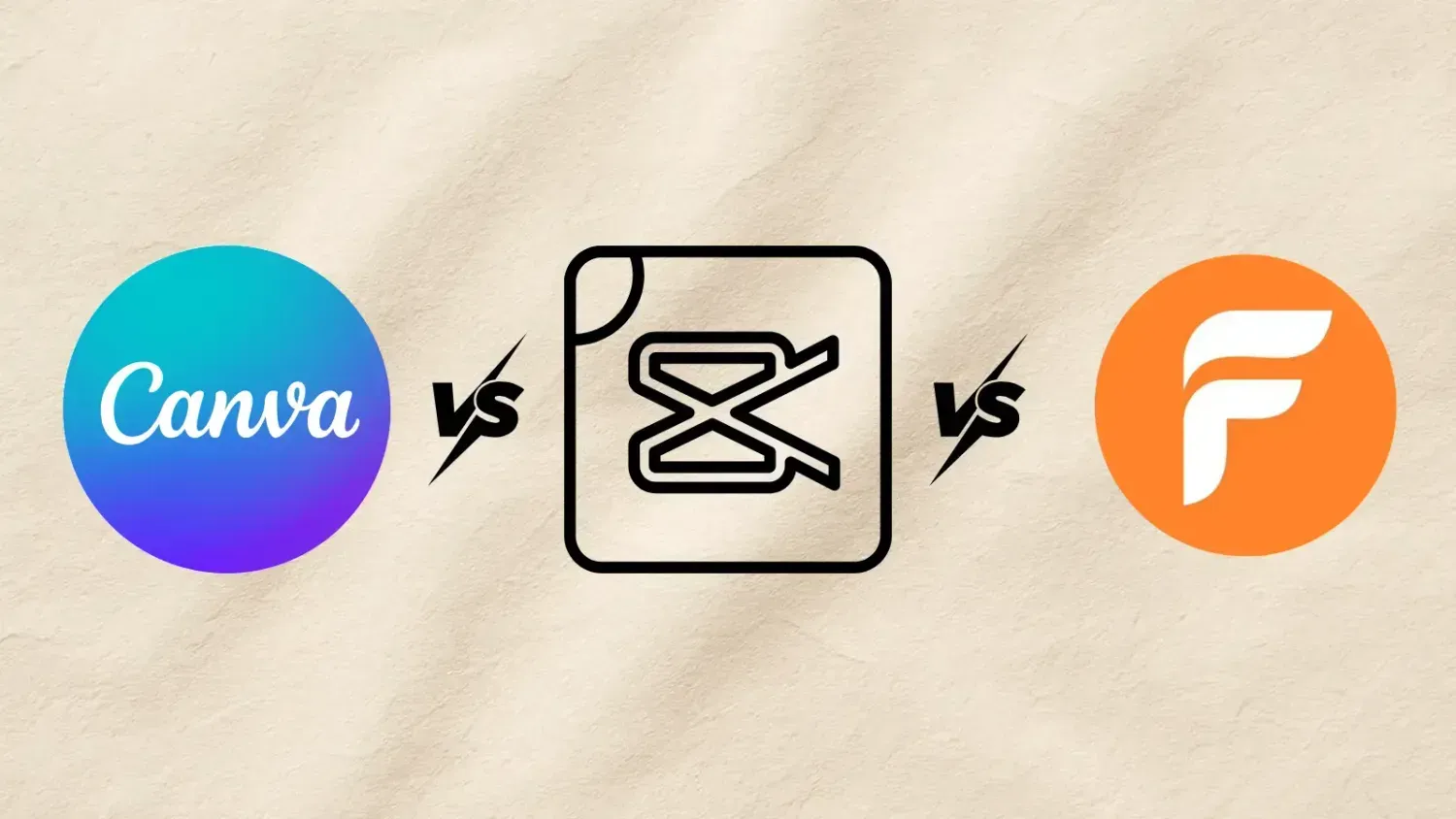
11. The Big Showdown: FlexClip vs. Canva vs. CapCut 🥊
I get asked this all the time: "Alenka, why switch? Aren't they all the same?"
No, they are definitely not. After using all three extensively, here is the honest truth about where each tool stands in 2026.
1. Canva: The Graphic Design Queen 👑
The Vibe: Canva is where I started. It is my safe space for Instagram carousels, Pinterest pins, and PDF guides.
The Good: It is incredibly easy to use and the stock library is huge.
The Bad: As a video editor, it struggles. The timeline is clunky - but they did a great job improving it with the last update!. Syncing audio to video beats is frustrating. It feels like a graphic design tool trying to do video, rather than a dedicated video tool.
Verdict: Keep it for images, but move to FlexClip for video.
2. CapCut: The Trendy Heartbreaker 💔
The Vibe: CapCut is the "cool kid" on the block. It’s famous for TikTok trends and flashy mobile edits.
The Good: Great for quick, trendy effects on your phone.
The Bad (The Dealbreaker): It is a file management nightmare. Since it’s not truly cloud-native in the same way, I have lost countless hours of work. You move one file on your computer, or try to switch from desktop to laptop, and you get the dreaded "Media Lost" red screen. It is heartbreaking to see your hard work vanish. Plus, the desktop version can be heavy and slow. And imagine finding that missing file on the computer...huh..
Verdict: Fun for quick phone trends, but too risky and limited for serious, long-term content creation.
3. FlexClip: The Freedom Creator 🕊️
The Vibe: FlexClip feels like the grown-up, reliable, yet magical partner. It combines the ease of Canva with the power of a pro editor, but lives entirely in the browser.
Why It Wins:
True Cloud Safety: No more "Media Lost." My projects are safe.
AI Superiority: The Blog-to-Video and AI Text Editing features are lightyears ahead of CapCut’s basic tools.
The "Storyboard" Mode: It offers a storyboard mode (like PowerPoint slides) for beginners AND a Timeline mode for pros. You get the best of both worlds.
In short: If Canva and CapCut had a baby that went to film school and learned AI, it would be FlexClip.
User FAQ: Common Questions About FlexClip
Q: Can I really use it for free? A: Yes! There is a free version available that lets you test the waters. However, the premium features (like high-res exports and unlimited AI credits) are where the real magic happens.
Q: Is it better than Canva for video? A: I love Canva, but FlexClip is a dedicated video editor. It offers a "Timeline Mode" which gives you much more control over audio syncing, transitions, and effects than Canva currently does.
Q: Do I need a powerful computer? A: Nope! That’s the beauty of the cloud. Since all the processing happens online, you can edit 4K videos even on a modest laptop without hearing the fan scream!
The Great Experiment: Can You Really Make Money with This? 🤔💸
I’m also using FlexClip to launch a special test project. I’ve started my own Ambience Channel (think cozy rain sounds and relaxing piano) to answer the million-dollar question we all hear online:
"Is it really possible to earn thousands of euros a month with a faceless YouTube channel?"
I am putting this theory to the test! I created the channel 100% using FlexClip’s stock library and AI tools, and I will be sharing my honest progress, numbers, and results with you along the way.
👇 Check out the test channel here and subscribe to follow the journey: https://www.youtube.com/@By-Firefly-Ambient
You might also like:
Hi, I'm Alenka

Welcome to my little corner of the internet — a cozy Firefly space where creativity meets freedom.
I share my love for online business, travel, and design — along with simple ways to turn your ideas into income and your dreams into everyday life.
Here, you’ll find practical tips, tools, and inspiration to help you build a business that fits you — so you can shine online and live life on your own terms.
✨ Loved this post?
Keep exploring — I’ve gathered a few more Firefly stories and guides that can spark new ideas and help you create, travel, and shine online. 🌍
→ Discover more articles below and keep the Firefly glow going. 💛
→ Check out my Canva mini course for beginners
My book Chakra Code helps you find balance, clarity, and flow — so abundance can find you too.

Travel essentials



LLC essentials
Web essentials

Some of the links in this blog are affiliate links. This means that if you decide to book or buy through them, I may receive a small commission. It won’t cost you anything extra – but it helps me keep Firefly alive and full of free travel tips ✨ Thank you for supporting my journey and helping me share the magic of travel with you 💜
✨ Join hundreds of creators and digital explorers already growing with Firefly!
Unlock exclusive access to free resources, step-by-step guides, and insider tips for creating digital products, growing your business, and living a more flexible lifestyle.
Don’t wait for the perfect moment – create it. Your dream life starts today.
Want a website like mine? Contact me!
© 2025 By-Firefly | Privacy Policy | Terms & Conditions | Pricing Plans | FAQ All Rights Reserved